

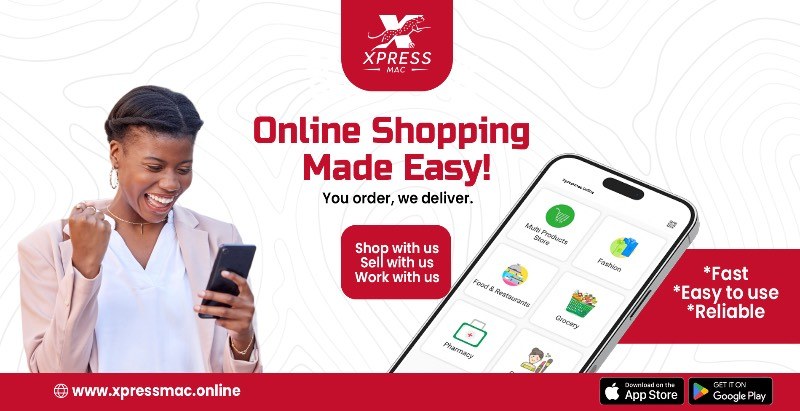
 App Store
 Google Play


 SuperDeals
Showing results near Accra
Near you
Ships from stores near Accra, nearest first
More to love
Newest products from verified stores
No stores deliver to Accra in this section yet. Try another location or pick a different section above.
 Food & restaurants near you
All restaurants 
No restaurants deliver to Accra yet. Try another location.
Popular dishes Order straight from the kitchen
Restaurants Nearest first
 Services near you
No providers for this service near Accra yet. Try another service.
Transportation
Book a car, travel between cities, rent a car or get an airport transfer
 Book a ride
Taxi rides near you
 Travel between cities
Bus or a private car between cities
 Airport pickup & drop-off
Transfers to and from airports across Ghana
Car rental
Cars available near your pick-up point
 Parcel delivery
Send anything, anywhere in Ghana
 Tickets & events
Nothing listed for this city yet. Try another city.
FAQ · Join Xpressmac
How do I register on Xpressmac?
Every partner has its own app or web panel. Find yours below — registration is free, and your account goes live once our team has checked your documents.
I want to shop, order food or book ridesCustomers · Xpressmac app or this website
- Download the Xpressmac app (App Store or Google Play), or tap Sign in / Register at the top of this website.
- Sign up with your email or phone number and set your delivery address.
- Shop from stores and restaurants near you, send parcels, book rides, airport transfers, car rentals and services.
I own a shop or store (vendor)Store panel or Xpressmac Vendor app

- Register on the Store panel (web) or download the Xpressmac Vendor app.
- Choose your section — e.g. Multi Products Store, Fashion, Grocery — and enter your store name, phone number and exact location on the map.
- Upload your documents (ID / business registration). Your store appears to customers after verification.
- Add your products with photos, prices, variants (size, colour) and stock, then set your opening hours.
I own a restaurant or food businessStore panel or Xpressmac Vendor app
- Register on the Store panel or the Xpressmac Vendor app and choose the Restaurant & Food Delivery section.
- Add your restaurant's location, phone number, opening hours, delivery settings and documents.
- Build your menu: dishes, photos, prices and add-ons. Orders arrive in the Vendor app and the Restaurant POS.
I offer services (plumbing, cleaning, beauty…)Provider panel or Xpressmac Provider app
- Register as a service provider on the Provider panel (web) or the Xpressmac Provider app.
- Add your services, prices, working hours and the area you cover, plus your documents.
- Add your workers — each worker then signs in to the Worker app (see below).
I work for a service providerXpressmac Worker app
- Ask your service provider to add you as a worker.
- Download the Xpressmac Worker app and sign in with the details your provider gives you.
- Accept the jobs assigned to you, go to the customer and mark the job as done in the app.
I'm a driver or delivery riderXpressmac Driver app — delivery, parcel, taxi, airport pickup, car rental
- Download the Xpressmac Driver app and sign up.
- Choose what you do:
- Delivery rider — food and store deliveries
- Parcel delivery — pick up and drop off parcels
- Taxi / cab — rides booked in the app and on the website
- Airport pickup & drop-off — airport transfers
- Car rental — rent out your car, with or without a driver
- Add your vehicle details, licence and documents. Once approved, go online to receive requests near you.
How long does approval take, and what does it cost?Verification & fees

Signing up is free. Our team checks your documents and your account goes live as soon as it is verified. Any commission or fees that apply to your account are shown in your panel or app. Questions? Contact us.

Nationwide via Xpress Delivery

Refund if item is not as described

15-day returns on eligible items

Chat, call or WhatsApp us anytime